
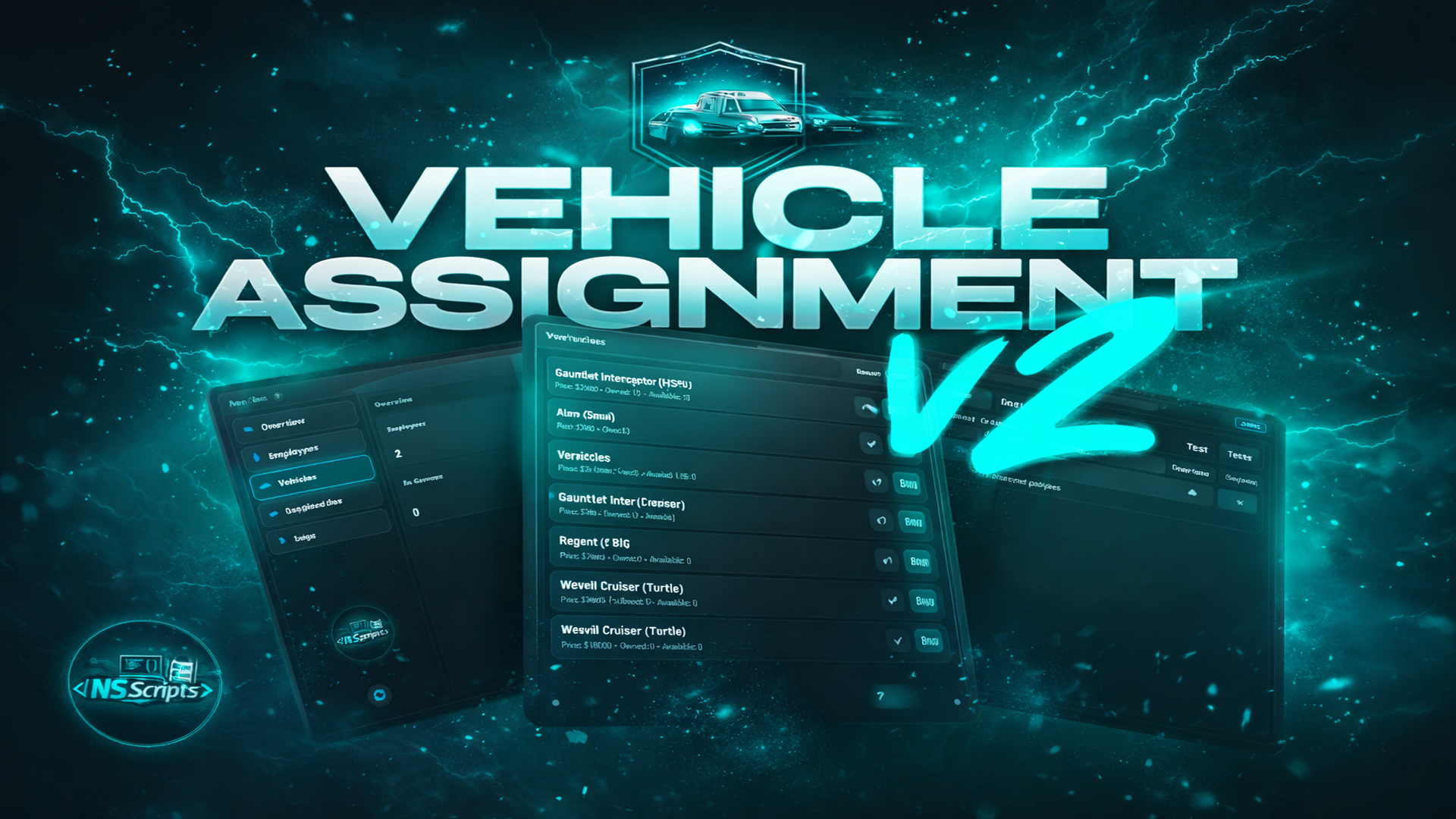
A lightweight and reliable in-game fleet management system built for job bosses. Assign, revoke, track and return vehicles for any department — police, EMS, mechanics, businesses, restaurants and more — with a clean UI and full control, entirely in-game.
Vehicle Assignment Script v2 turns job vehicle control into a simple boss workflow. Bosses interact with a configured point (example: office PC) to open a modern UI where they can view assigned vehicles, check if they are currently out, and manage returns with cooldown protection.
To assign a vehicle to an employee, the boss must first purchase that vehicle as an available unit. Only purchased vehicles can be assigned.
Interact with a boss menu location (PC/desk/spot) and open a dedicated UI for fleet control. Clean workflow, zero database editing.
Vehicles must be purchased in advance. Only available vehicle units can be assigned to employees.
Configure any job with its own label, boss role, minimum grade requirement, vehicle list, and dedicated boss menu location.
Add unlimited garage points per job: NPC interaction location, ped model, interaction distance, and multiple spawn positions.
See who has which vehicle and whether it is currently out. Bosses keep full visibility over the department fleet.
Enable personal return for members, and boss return for leadership. Optional return cooldown included to prevent abuse.
Configurable plate prefix and digit length per job. Optional vehicle properties saving for consistent setups (extras / tuning).
Choose target type: qb-target / ox_target / draw markers. Built-in integration options for fuel, keys and notifications + Discord logging support.
Option that you can make it compatible with your banking/management script.
Vehicle keys:
Trusted by over 400+ servers worldwide.
"Finally a script that actually works. Support was super fast and helpful."
"Top quality. We've been using it on our server for 2 weeks without issues. 10/10."
"Very clean code, easy to customize. 0.00ms resmon is not an empty promise."
"This system is awesome. My players love the new features."
"Best developer. Updates come regularly and bugs are fixed immediately."
"Everything perfect, installation was done in 5 minutes. Would buy again."